
An ecommerce can cut its support costs by 40% in two weeks. The secret? A WhatsApp automation bot that answered 73% of routine queries instantly.
WhatsApp automation has transformed in 2026. Visual builders, AI responses, and one-click integrations now handle everything from cart recovery to 24/7 support. No developer required.
This guide reviews the 10 best WhatsApp automation tools. You'll discover which platform fits your needs, whether you run e-commerce, manage support, generate leads, or build custom solutions.
What is WhatsApp automation and why it matters in 2026
Redefining customer interactions for a mobile-first world
Some practical uses include sending immediate nudges after cart abandonment or confirming a cash-on-delivery order before shipment in e-commerce.
Marketing teams can broadcast flash sales, announce product launches, capture leads from click-to-WhatsApp ads, and segment contacts for follow-ups.
Support bots handle frequently asked questions, check order status, process returns, and qualify leads before passing them to human agents.
Key features that enable this include visual builders and workflow editors, plug-and-play integrations with Shopify and WooCommerce.
Also, AI-driven natural language processing to manage unstructured queries, and persistent CRM records that keep conversation context intact for smooth handoffs to live agents. These capabilities streamline communication and improve customer experience across touchpoints.
Evolving tech and pricing in 2026
The pricing structure has changed. Platforms now add SaaS subscriptions on top of Meta's Business API fees.
Meta has shifted to per-template billing, charging different rates for marketing, transactional, and authentication messages. For example, a cart reminder and an authentication code incur different fees. Your SaaS provider may add credits or monthly charges.
Tools generally fall into three categories:
- All-in-one marketing suites such as Brevo and Omnichat offer campaign builders, broadcast flows, lightweight CRM contact management, shop integrations, and message templates. They simplify API complexity to speed deployment and work well for e-commerce and lead generation.
- Chatbot and AI-led platforms provide visual flow editors, drag-and-drop logic, 24/7 FAQ handling, and smart handoffs. These tools excel at creating natural conversational experiences across web, Instagram, and WhatsApp.
- API-first solutions suit teams building deep, custom integrations or handling high volumes of transactional messages. They offer granular control but require more setup.
Understanding these approaches helps in selecting the right platform based on your specific needs and budget.
Best WhatsApp chatbot builders
1. Typebot
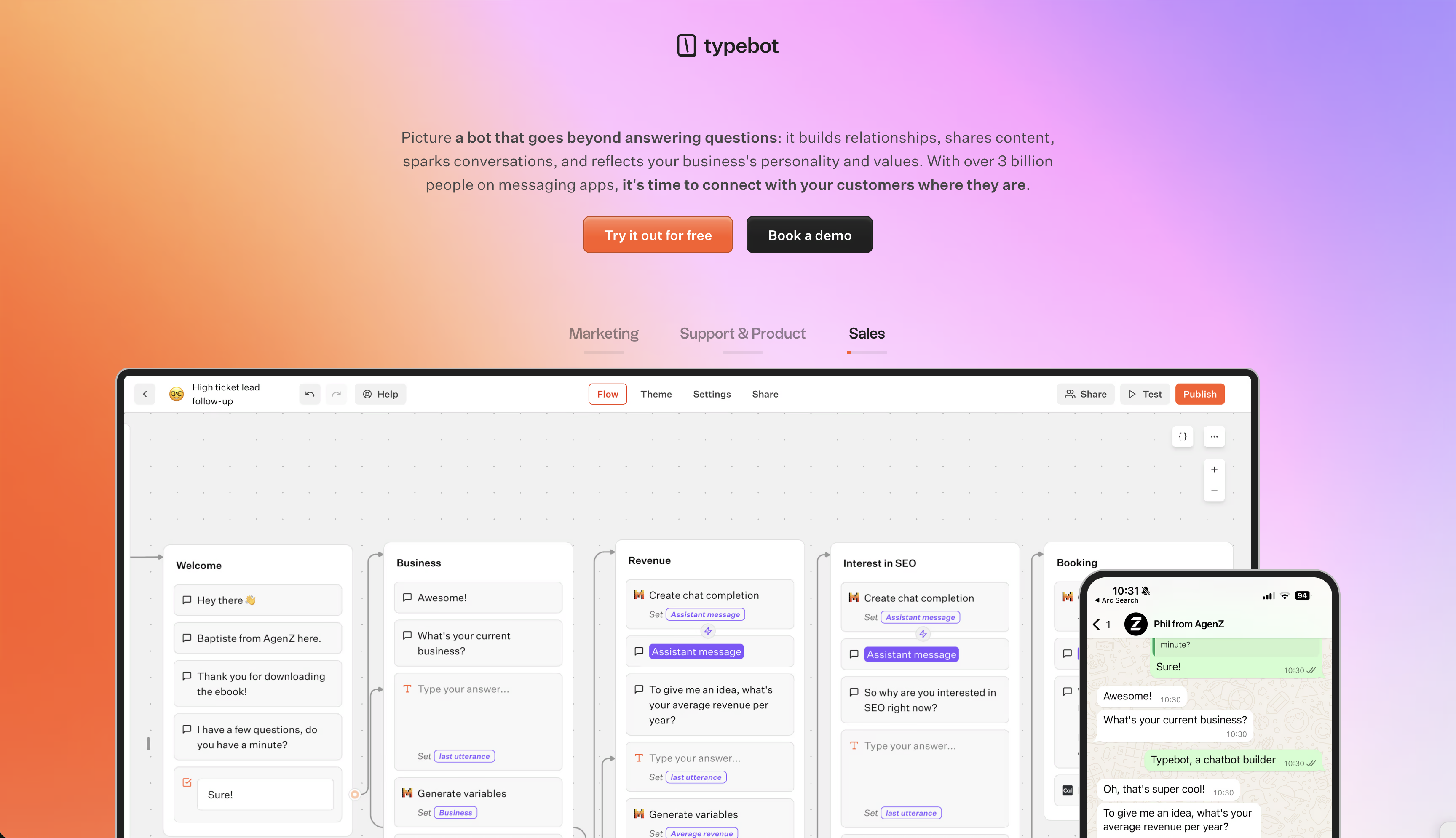
Typebot offers a visual builder combined with developer controls and broad integrations to create custom WhatsApp conversational flows.
Its drag-and-drop flow builder lets you start from scratch or adapt proven patterns. You can easily edit text, logic blocks, and custom scripts for multi-step onboarding, interactive lead qualification, or transactional flows.
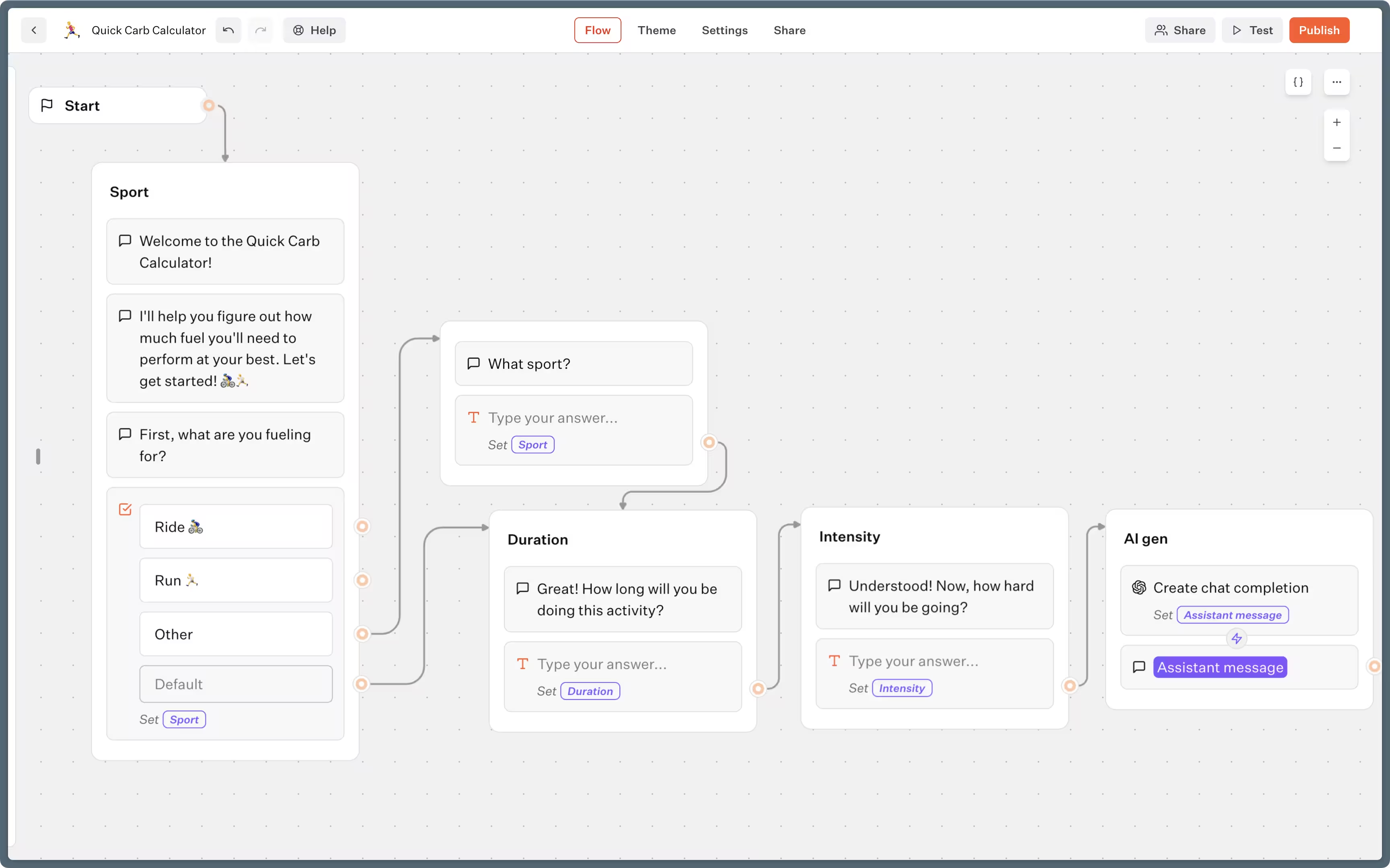
The platform supports personalization and data handling through forms that include hidden fields. It pushes user data into conversations, enabling fine-grained segmentation and experience variation based on user traits or source.
Typebot provides analytics and optimization tools. You can track flow-level metrics such as drop-off rates and completion statistics. These insights help you improve where it matters most.
Integrations and extensibility include:
- Built-in connectors like Google Sheets, Airtable, NocoDB, email platforms, and WhatsApp messaging.
- AI services from OpenAI, Anthropic, and Mistral for context-aware responses.
- Automation and developer tools such as Zapier, Make, HTTP actions, and a robust API for custom backends.
- Support tools including Zendesk, Blink, and Chatwoot to ensure seamless handoffs.
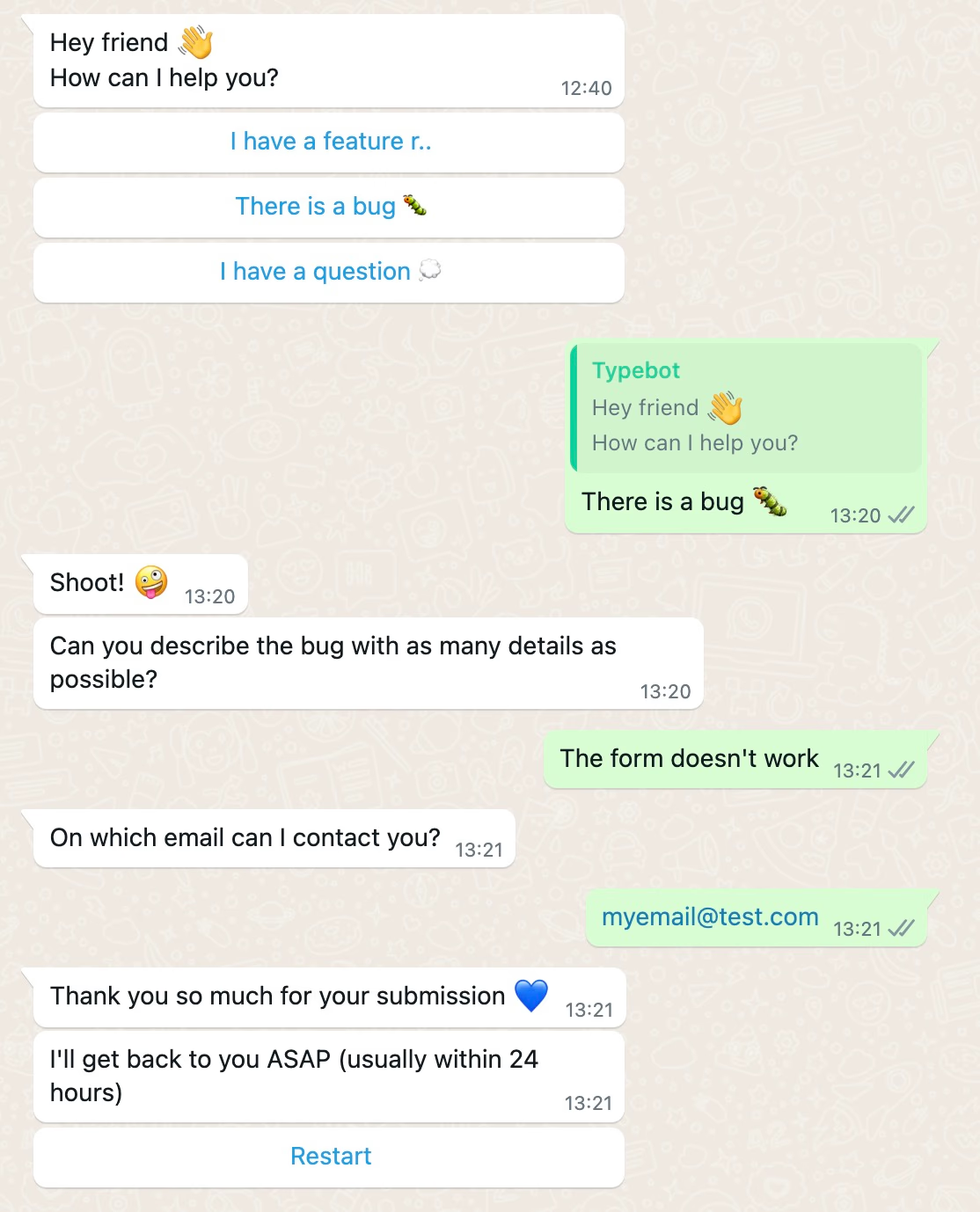
For deployment and collaboration, Typebot supports various presentation formats: chat bubbles, popups, full-page forms, or embedded widgets. Its direct WhatsApp integration maintains conversation continuity between the web and the app.
Teams can collaborate in real time, with support for custom branding through theming and CSS/JavaScript.
Typebot suits solo founders and distributed teams building advanced funnels. It offers a free plan that includes 200 chats per month and scales to packages supporting thousands of conversations and additional seats.
Choose Typebot when you need design flexibility combined with technical control to build tailored conversational experiences and integrate WhatsApp with your existing tools.
Reach your audience where they are. Integrate Typebot with WhatsApp for seamless, personalized communication.
No trial. Generous free plan.
2. Chatbase
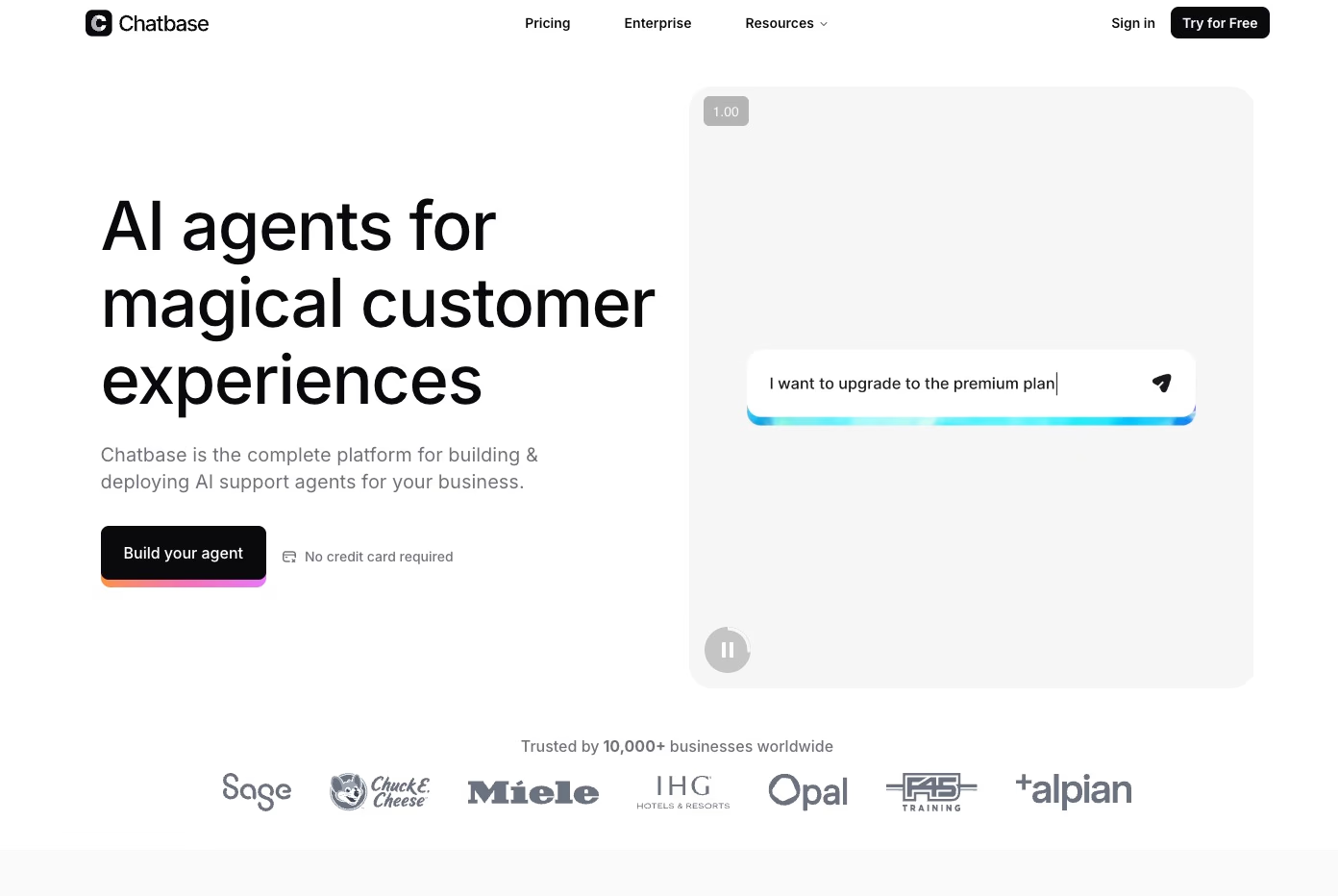
AI-powered knowledge base chatbots, fast
Chatbase is an AI chatbot builder designed for quick deployment and easy setup. You provide your knowledge, like PDFs, text files, site URLs, Q&A pairs, or Notion pages.
Then, it uses Retrieval-Augmented Generation (RAG) to deliver answers based on this knowlede. Many users launch a working bot in under 10 minutes without any coding.
The platform indexes your sources into a searchable database. This ensures the bot pulls accurate replies from your material instead of generating off-topic responses.
Main features: control and focus
Chatbase offers several key features that maintain control and enhance chatbot performance:
- You can revise and save improved answers, helping the bot get more accurate over time.
- Confidence score indicates the AI’s certainty in its reply, highlighting potential gaps in your documentation.
- AI actions automate simple tasks like Calendly bookings, Stripe payments, Slack messages, and Zendesk ticket creation. Complex workflows typically require external tools such as Zapier.
- Customization lets you add your logo, profile images, switch between dark/light modes, and adjust welcome messages and suggested prompts.
- Multi-channel deployment supports embedding on websites and distributing the chatbot across up to five channels.
- Chat logs and analytics provide transcripts and usage metrics to identify friction points and improve content quality.
These features help balance control, accuracy, and ease of use for typical customer or internal interactions.
What it’s best and not best at
Chatbase works well when you need:
- Fast launch of a content-grounded chatbot for support, lead capture, or site engagement.
- Support for small teams, solo founders, and marketing groups seeking reliable FAQ handling without developers.
- Internal knowledge assistants, such as Slack-based company Q&A bots.
However, it is less suitable for:
- Multi-step, branching conversations or conditional logic.
- Advanced marketing automation, omnichannel campaign triggering, or full-feature live-chat toolsets beyond basic Zendesk integration.
- Deeply customized transactional flows without external automation or platforms.
Pricing: simple, with room to grow
Chatbase offers a free tier that includes one chatbot with around 100–200 monthly message credits, ideal for trials.
Paid plans start at approximately $19–$40 per month for two chatbots and roughly 2,000 messages. Higher tiers at $99 and $399 per month provide more messages, bot slots, OpenAI upgrades, and team collaboration features.
Prices can vary by region, so check current rates before subscribing.
This straightforward pricing makes it easy to scale as your chatbot needs grow.
3. Landbot
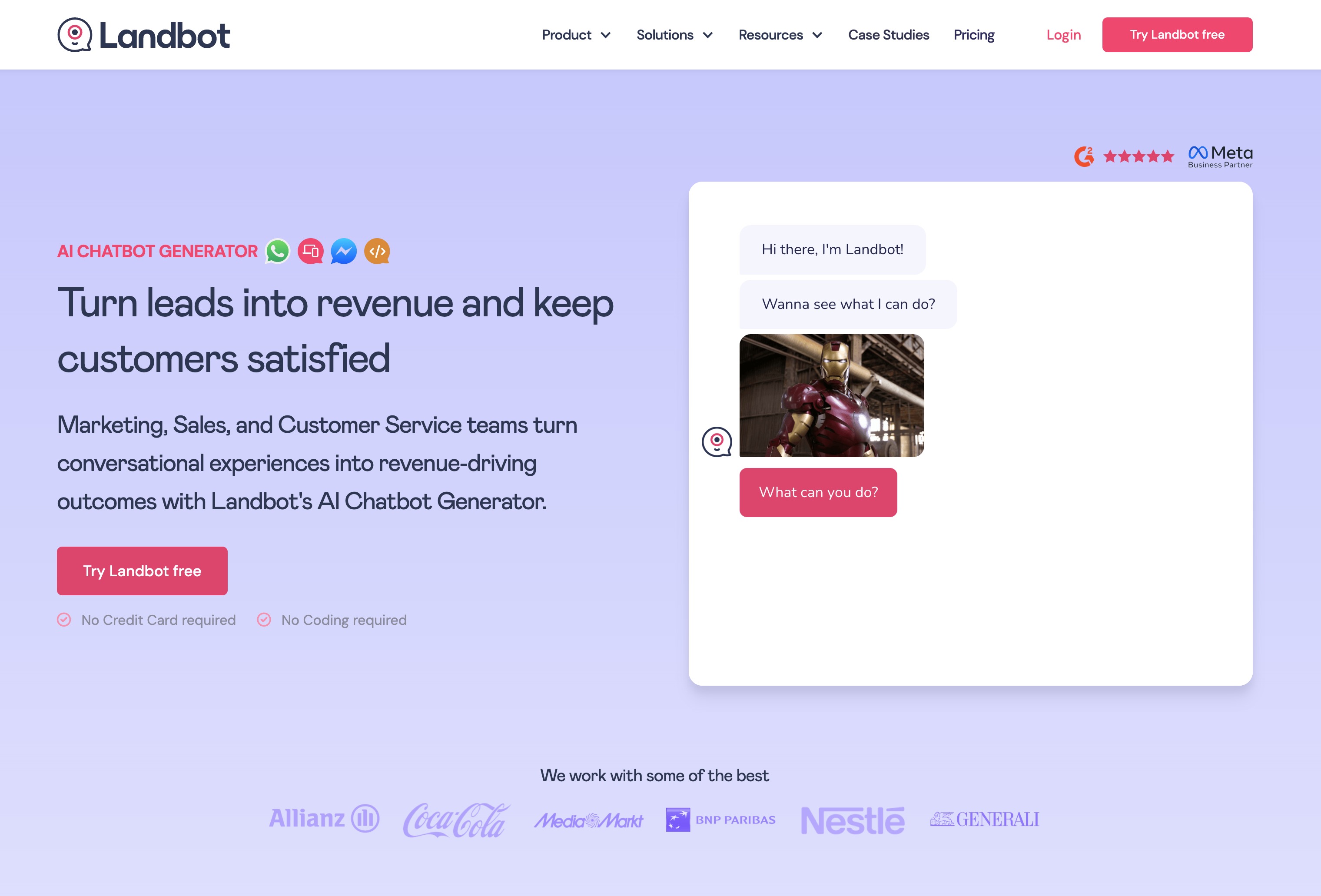
A versatile no-code chatbot platform for multichannel automation
Launched in Barcelona in 2017, Landbot is a no-code automation tool used by over 12,000 businesses to build conversational experiences on WhatsApp, Facebook Messenger, and the web.
Its visual builder focuses on design-first flow creation. You drag blocks into place to ask questions, capture responses, present choices, or apply formulas and conditions. This allows complex logic without coding.
Landbot’s core strengths and capabilities include:
- A visual flow editor that supports branching, conditional logic, and data processing.
- Hybrid automation combining rule-based paths with AI agents for lead qualification, appointment booking, and support.
- An omnichannel workspace to manage flows, automations, and analytics for web, WhatsApp, and Messenger in one dashboard.
- Built-in live chat with auto-assignment and a mobile app, so agents can take over conversations in real time.
- A templates library for lead capture, surveys, sales campaigns, and WhatsApp marketing to speed up launch time.
- Contact management that auto-builds profiles from conversation data, though advanced user tagging is limited.
Regarding integrations and data flow, Landbot can push conversation data into CRMs like HubSpot and Salesforce. This avoids manual entry and reduces duplicates. It also offers connectors and webhooks for downstream automations and reporting.
Users report these operational results:
- Increased efficiency with faster lead capture and fewer manual tasks.
- Lower support costs by automating routine exchanges and only handing off when necessary.
Landbot fits best for small to mid-size marketing, sales, and support teams. These teams need multichannel automation but lack developer bandwidth.
However, its limitations make it less suitable for enterprise-grade tagging or the lowest-cost WhatsApp usage.
4. Manychat
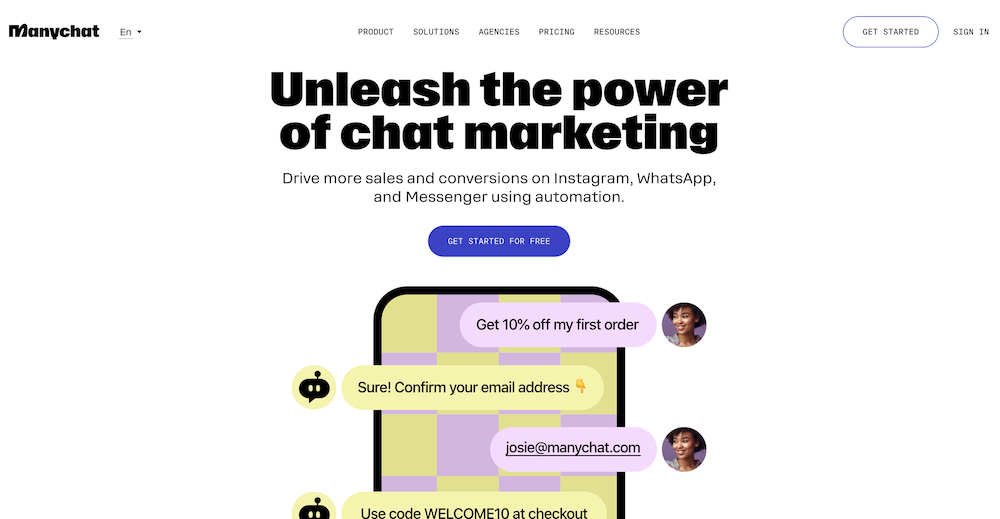
Visual automation for every channel
Manychat manages automated conversations across Instagram, Facebook Messenger, WhatsApp, SMS, Telegram, and TikTok. Over a million brands use it to engage customers where they already interact.
It offers a single workspace to build, launch, and manage these interactions.
Key features include:
- A visual flow builder that lets you map journeys with triggers, automated replies, and multi-step logic, all without coding. Modular flows and reusable components help speed up campaign setup.
- Cross-channel capabilities that allow DMs, comments, stories, and platform messages to be systematized, so engagement does not depend on staff availability.
Scalable AI with a human touch
Manychat provides brand-aware AI, allowing you to include up to 250,000 characters of context. This helps responses match your tone and past messages. It’s especially useful for cart outreach, product recommendations, and lead sorting.
The live chat handoff feature makes it easy to escalate complex or high-value conversations to agents. You can use message templates and assign conversations to teams, ensuring consistent replies.
Multi-channel unification
The unified inbox brings all message types into one dashboard. This reduces tab switching and helps you spot trends or issues faster.
Segmentation and analytics tools allow you to target specific audiences in broadcasts and refine automations for high-value groups.
Integrations connect Manychat to Shopify, Mailchimp, Google Sheets, and similar tools. This lets you sync leads, automate abandoned-cart flows, and route data in real time.
Core benefits and common use cases
Manychat supports various business needs, such as:
- E-commerce: recovering abandoned carts, delivering promo codes, and automating routine service queries.
- Lead generation: qualifying and distributing leads efficiently.
- Content creators: answering DMs, converting comments into conversations, and increasing follower engagement.
- Customer service: automating frequent queries and escalating only when necessary. Segmentation and reporting improve retention and campaign performance.
Pricing and practical access
Manychat offers:
- A free plan supporting up to 1,000 contacts across Instagram, Messenger, and WhatsApp.
- Pro plans starting at about $15/month, adding channels like SMS and email, plus advanced stats and campaign tools.
- Enterprise plans that provide custom solutions, training, and premium support for larger organizations.
Who will find value
Manychat suits small businesses, solo marketers, e-commerce and DTC brands, social marketers, and creators who need no-code, multi-channel automation.
Enterprises benefit from its integration and enterprise tiers to embed chat into broader workflows.
When multi-channel coverage and fast, natural conversations matter, Manychat provides a practical, centralized platform that helps convert attention into results.
5. Botpress
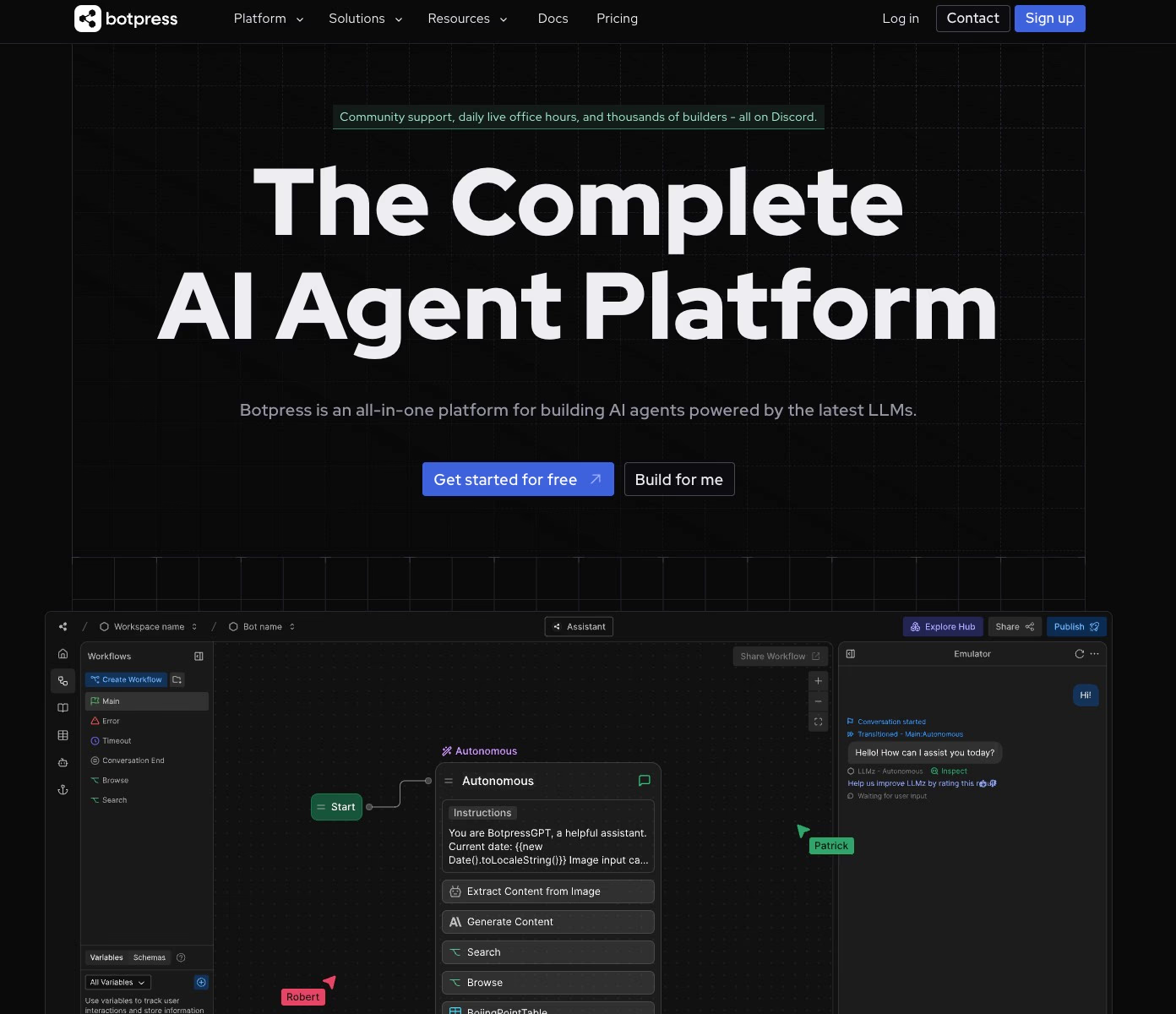
Comprehensive AI agent platform for advanced teams
Botpress allows teams to create AI-driven chatbots and agents that manage various customer interactions, including WhatsApp.
It combines no-code and low-code tools with deep customizability. This provides technical teams with the flexibility to design sophisticated automated experiences.
Visual flow builder and AI specialization
The platform features a drag-and-drop flow editor that uses workflows, nodes, and cards to make complex conversations visually clear. It also offers an emulator to test and debug bots quickly before launch.
AI Task Cards handle content generation, intent classification, and smooth transitions without requiring code for every rule. These features simplify automation while enabling sophisticated conversational design.
Multi-channel publishing and integrations
You can publish the same bot across about 10 channels from a single interface, including WhatsApp, Slack, Telegram, Facebook, and websites. Botpress integrates with popular tools like Zapier and Zendesk.
It also offers a customizable site chat widget with CSS control and a live chat feature to switch seamlessly between bots and human agents. This ensures consistent customer interaction across multiple platforms.
Data, testing, and community
Built-in data tables support conversation storage and user segmentation. The free plan includes up to 1,000 rows of data storage. Botpress provides robust testing tools to identify issues before deployment.
An active developer community shares code samples, troubleshooting advice, and best practices. This support network helps teams troubleshoot and improve bots effectively.
Pricing and limitations
The free starter plan includes:
- One bot
- 500 monthly messages
- One collaborator
- 100MB knowledge-base storage
Pricing increases with usage on a pay-as-you-go basis. Some advanced features, including live chat, typically require plans starting at $89 per month. Enterprise customers gain access to dedicated support, advanced security, and custom data residency.
There is a steeper learning curve compared to simpler builders. Marketing automation and social channel features are less mature, and analytics may feel basic without an upgrade. Teams should weigh these trade-offs when choosing Botpress.
Who should consider Botpress?
Botpress fits developer-heavy teams needing control and extensibility. This includes advanced support bots, complex process automation, AI-driven intent recognition, and multi-channel deployment.
While non-developers can use the visual tools, organizations with technical resources will gain the most value from Botpress.
Deliver real-time responses and boost engagement with Typebot's WhatsApp integration.
No trial. Generous free plan.
Best all-in-one WhatsApp marketing platforms
6. Brevo
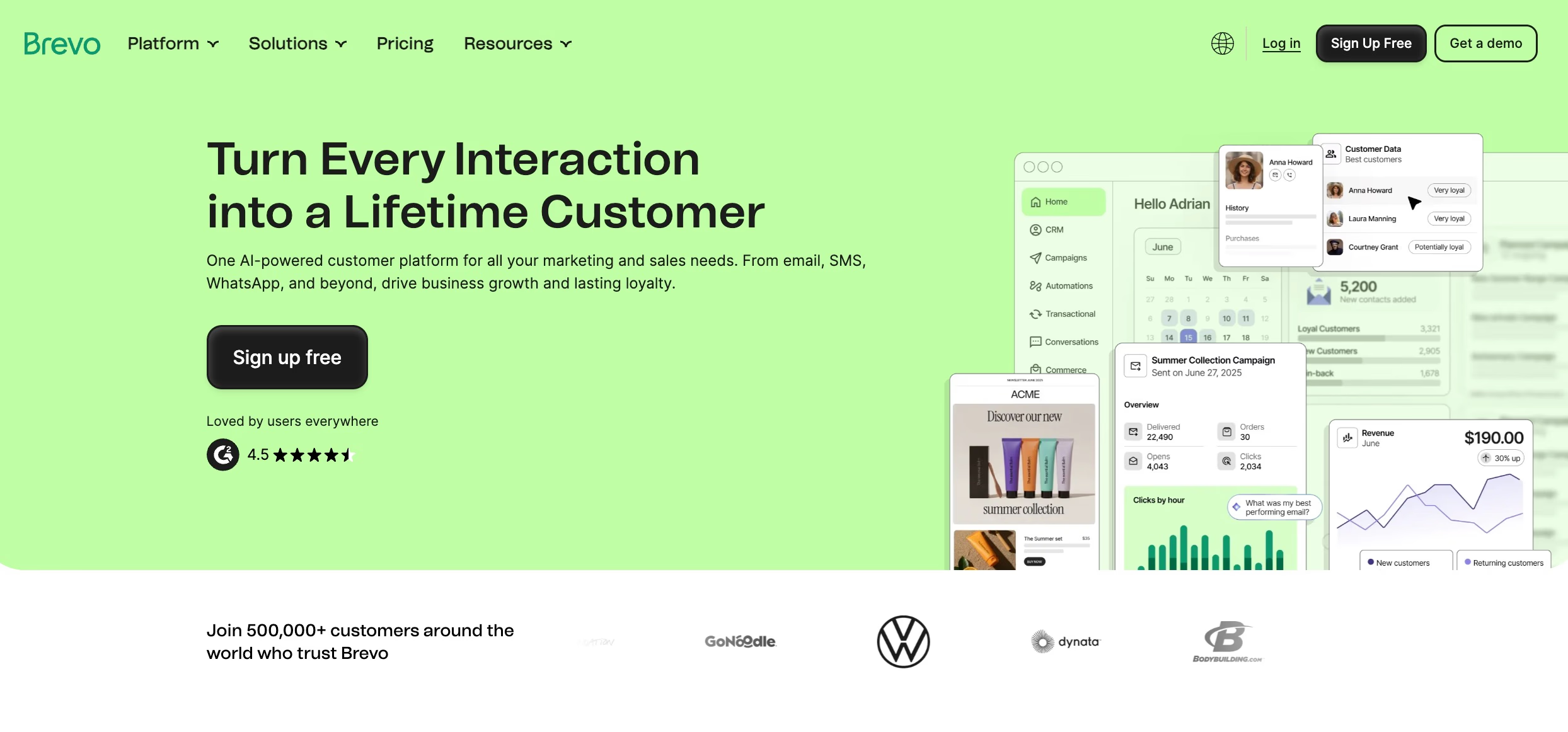
Brevo, formerly Sendinblue, combines CRM, marketing automation, and multi-channel messaging in one cloud platform. Since its rebranding in 2023, it has grown rapidly. The platform is now valued above €1 billion and serves over 500,000 customers in 180 countries.
WhatsApp marketing and automation at scale
Brevo is a certified Business Solution Provider (BSP), giving direct access to the WhatsApp Business API and the green verification tick. The setup includes:
- Account creation
- Channel activation
- Meta business number verification
- Contact onboarding with full segmentation
Marketers use a drag-and-drop editor to create conversational campaigns. These campaigns include rich media, templates, and dynamic fields that adapt messages to each recipient.
You can trigger WhatsApp messages from CRM or behavioral signals such as purchase events, website actions, or property changes. This enables use cases like cart recovery, post-delivery updates, targeted promotions, and personalized follow-ups.
All-in-one platform for marketers and support teams
Brevo integrates WhatsApp with email series, SMS, ad retargeting, and real-time chat on a unified database. The campaign builder uses customer data so you can segment, personalize, and analyze touchpoints across channels.
E-commerce features include:
- Abandoned-cart recovery
- Automated order confirmations
- Loyalty-program workflows
For sales and support teams, Brevo offers live chat, a visual pipeline, scheduling, and WhatsApp support across multiple devices or numbers. This helps teams scale without fragmenting data.
AI tools assist both beginners and advanced users. They offer campaign analysis, conversation summaries for handoffs, multilingual content generation, and send-time optimization.
Integration and automation flexibility
Brevo lets you trigger WhatsApp flows from events like email opens, form completions, or specific website behaviors. You can also extend these flows with API integrations. Data syncs bidirectionally, keeping CRM, email, SMS, and WhatsApp aligned.
Custom field mapping, conditional logic, and scheduling enable marketers to build adaptive journeys without coding.
Pricing
Brevo offers a free forever plan with 300 emails per day making it accessible for solopreneurs testing WhatsApp automation alongside email.
Paid plans start at $9/month (Starter) for 5,000 emails, basic automation, and SMS. The Standard plan at $18/month adds marketing automation, A/B testing, and landing pages.
WhatsApp, advanced AI features, and multi-user access unlock at the Professional tier ($499/month), which includes 150,000 emails, 10 seats, contact scoring, and phone support.
Enterprise pricing is custom and includes dedicated IPs, SSO, multi-account management, and a customer success manager.
SMS and WhatsApp message costs are volume-based and billed separately. A 10% discount applies to yearly billing across all tiers.
Who should consider Brevo?
Brevo suits:
- E-commerce brands needing transactional messaging, cart recovery, and loyalty workflows
- SMEs and agencies wanting multi-channel orchestration (email, WhatsApp, SMS, ads) tied to a visual CRM
- Sales and support teams that require unified chat, pipeline tracking, and WhatsApp across multiple devices or numbers
Brevo works best when WhatsApp automation must integrate into a broader marketing and CRM stack. It lets growing businesses run coordinated, data-driven customer journeys without managing many separate tools.
7. Wati.io
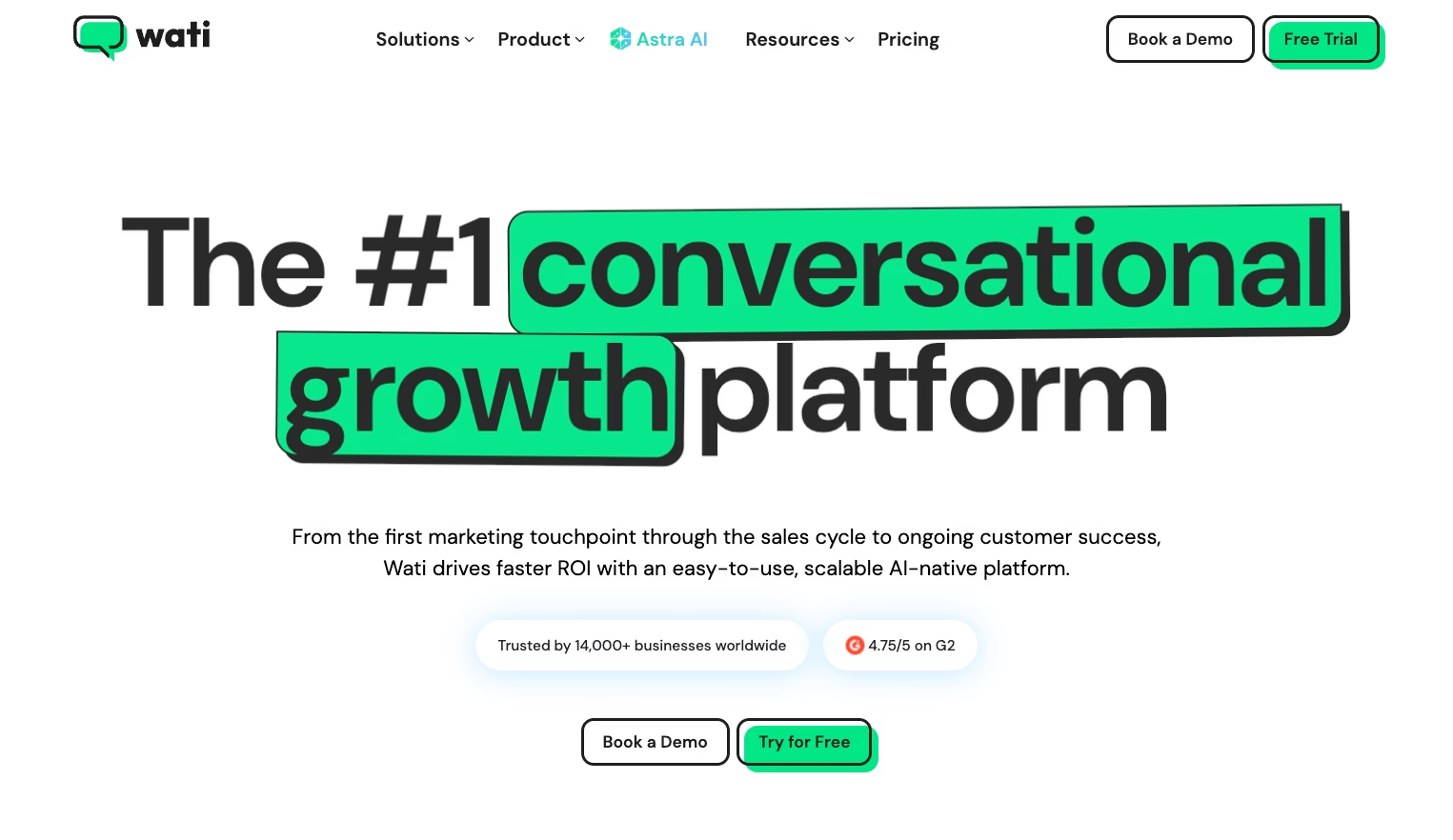
Wati.io is a WhatsApp automation platform built on the WhatsApp Business API. It supports over 8,000 businesses in more than 100 countries. The platform combines operational scale with conversational personalization for SMBs and growing e-commerce teams.
Unified team inbox and multi-channel collaboration
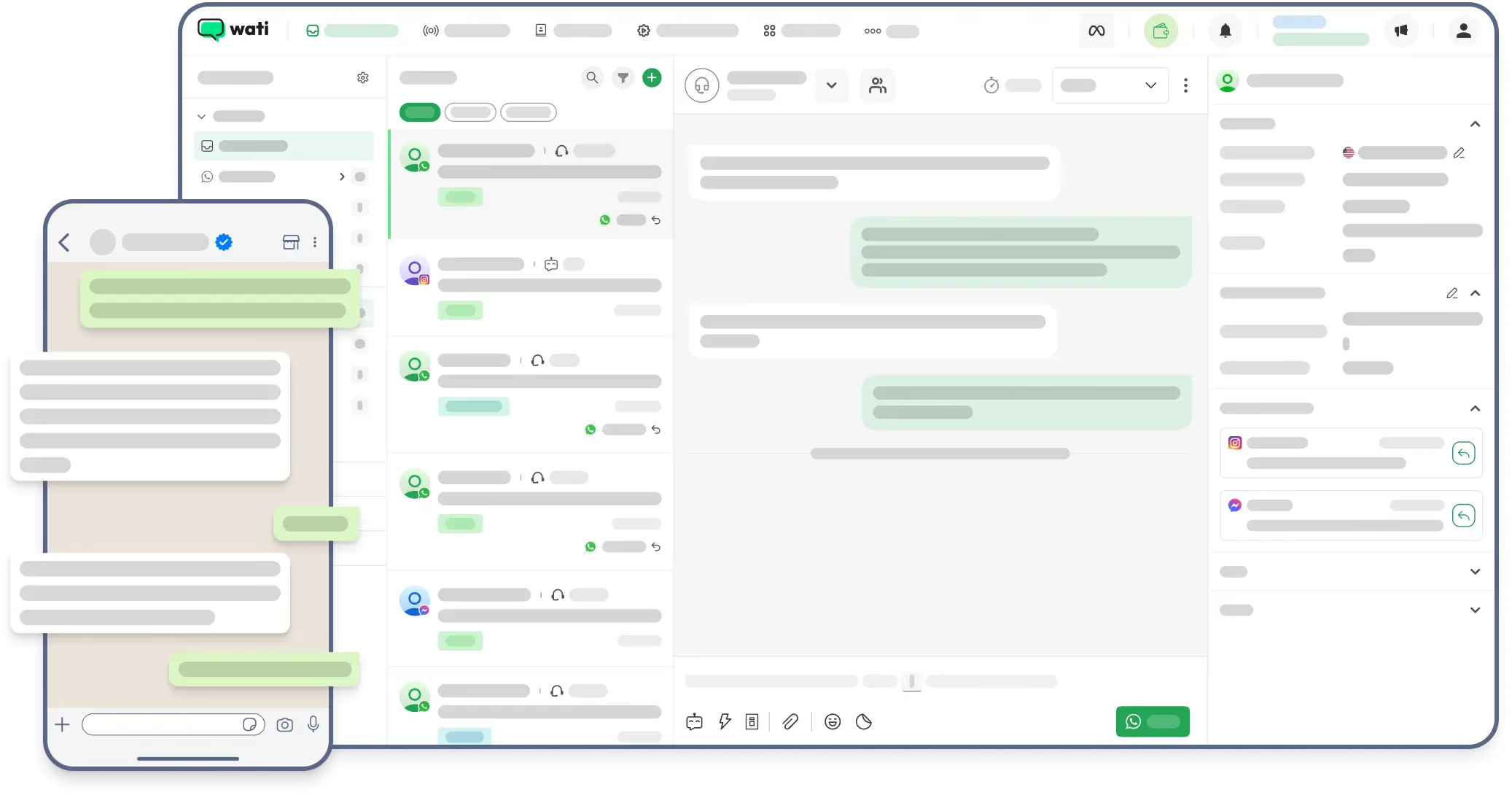
The unified Team Inbox combines messages from WhatsApp, Instagram, and Facebook into a single view. This allows support, sales, and marketing teams to work efficiently together. Key features include:
- Smart routing that assigns conversations to the right agent.
- Data tagging and canned responses to speed up message handling.
- Conversation analytics to monitor performance and highlight areas for improvement.
Visual automation and AI-driven support
Wati uses a no-code drag-and-drop flow builder that supports branching logic, integration
s, and automated replies. Non-technical users can create rich conversational paths easily. Two AI tools enhance automation:
- Keyword-triggered replies provide instant answers to common questions, such as “order status.”
- KnowBot AI processes files and website content to offer context-aware responses without manual scripting.
Broadcasting, campaigns, and e-commerce focus
The platform supports rich, personalized WhatsApp campaigns that include images, videos, and programmatic notifications, targeting segmented lists. Common e-commerce workflows Wati supports:
- Recovering abandoned shopping carts
- Sending order confirmations and status updates
- Running lifecycle engagement campaigns
Integrations with Shopify and WooCommerce trigger messages automatically based on purchase and order events.
This functionality helps e-commerce teams engage customers efficiently throughout the buying journey.
Integrations and customization
Wati offers ready-to-use connectors for platforms like HubSpot, Zoho, and Zapier, reducing setup effort. For more specific needs, it provides a comprehensive API that supports custom workflows and lead nurturing.
These options enable teams to tailor automation to their exact requirements.
Practical considerations: pricing, setup, and support
- Trial and setup: Wati offers a 7-day trial. A WhatsApp Business API connection is required for full access, and some features unlock only after account verification.
- Pricing: Paid plans start around $49 to $64 per month. Cost varies by user seats, features, and integrations.
Onboarding suits non-technical teams, but advanced features may require verification and additional setup time.
This balance makes Wati accessible but also scalable for growing businesses.
Natural fit: e-commerce, support, and marketing automation
Wati works well for e-commerce brands, online retailers, and SMBs focused on growth. It offers simplicity for quick launch and technical depth for scaling. It centralizes marketing campaigns, customer support, and order communication within WhatsApp while allowing deeper customization via API.
This makes Wati a practical, versatile choice for businesses wanting to streamline messaging and automation.
8. Omnichat
Asia-Pacific’s omnichannel masterclass
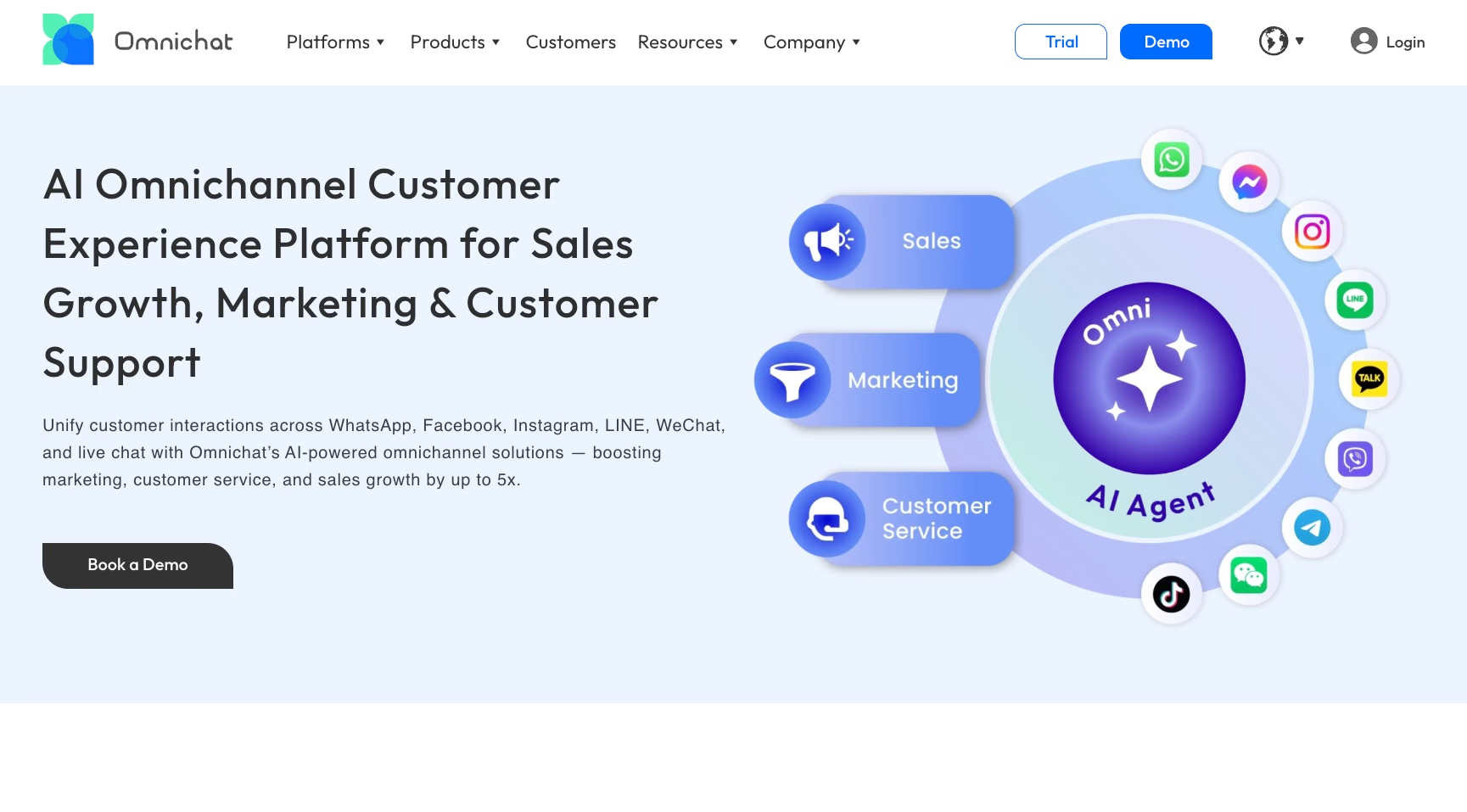
Launched in Hong Kong and used by more than 5,000 brands, Omnichat centralizes WhatsApp, Facebook Messenger, Instagram, LINE, WeChat, and website chat in one dashboard. Agents access these channels in real time on unlimited devices. Automated workflows and AI handle initial interactions, so teams focus on higher-value conversations.
AI-driven engagement without coding
Omnichat’s no-code builder and Omni AI Agent Studio let teams create chatbots powered by large language models and natural language processing. Bots respond in multiple languages and draw context from a unified Social Customer Data Platform. This ensures returning customers are recognized, keeping conversations relevant without manual search.
A new level of online-merge-offline retail
For retailers, Omnichat links in-store and digital interactions seamlessly. QR-code scans or in-store checkouts connect customers to specific salespeople. Follow-ups via WhatsApp are tracked at the staff level, closing the loop between physical visits and online engagement.
Automating marketing and personalization at scale
Omnichat supports personalized campaigns on WhatsApp, Messenger, and LINE. Applications include:
- Abandoned-cart recovery
- Browsing-based product recommendations
- Gamified promotions
- Loyalty offers
- Behavioral triggers
Bulk messaging reaches wide audiences quickly, making the platform practical for retail chains and large campaigns.
Integrations and data designed for large retailers
Connectors for Salesforce, Shopify, and custom APIs keep customer records centralized. All conversations and events feed into a single database, providing a 360° customer view. This enables consistent personalization across channels—even when interactions start on different platforms.
Use cases for retail and e-commerce at scale
Omnichat suits Asia-Pacific retailers and e-commerce brands needing unified service, marketing, and in-store sales workflows. Common deployments focus on:
- Omnichannel support
- Large-scale WhatsApp campaigns
- Performance tracking for frontline staff
Pricing
Pricing is available through sales negotiation, reflecting Omnichat’s focus on mid- to large-scale operations with complex, high-volume needs.
9. WANotifier
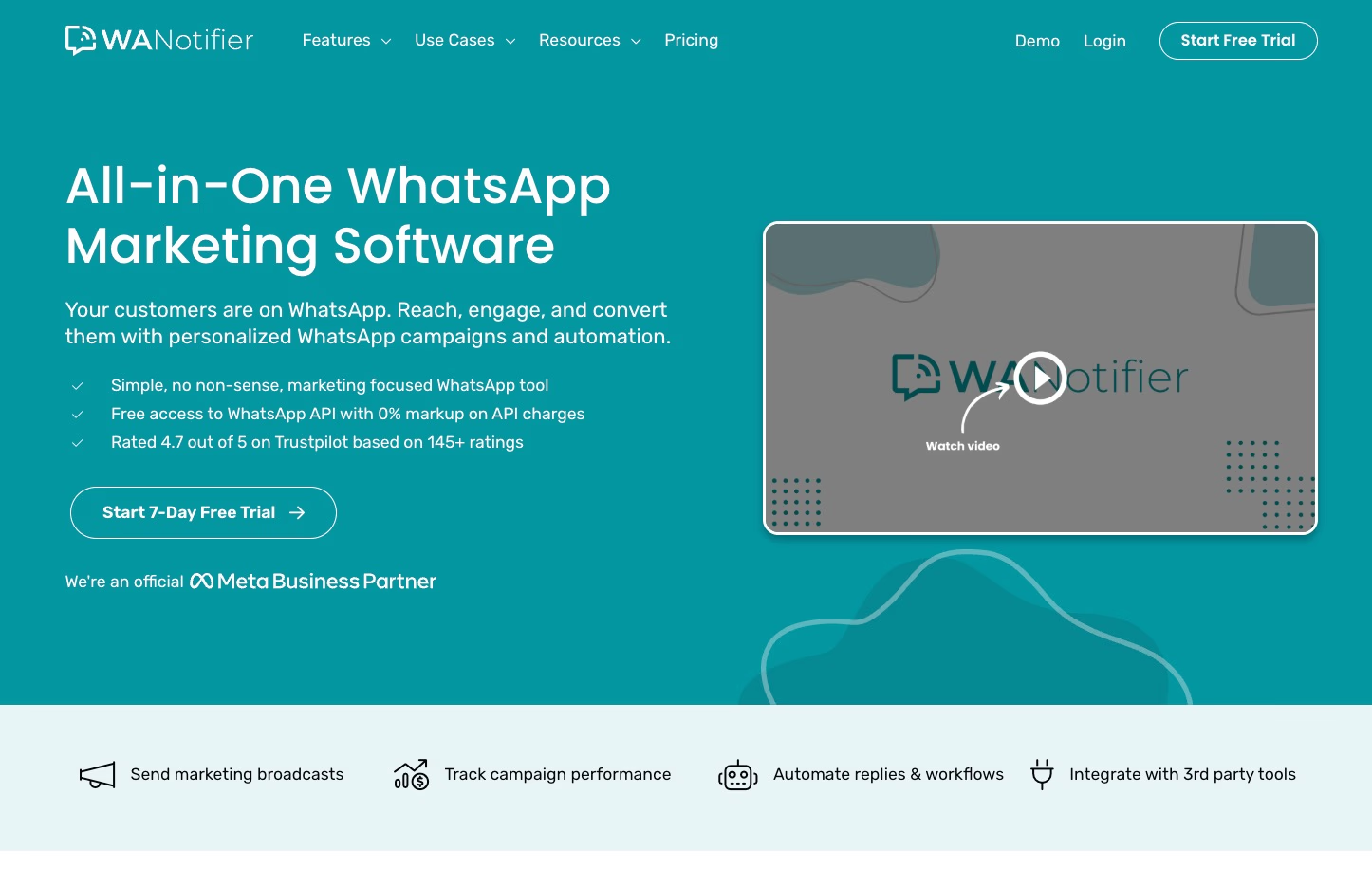
WANotifier is an all-in-one WhatsApp marketing platform designed for scaled, compliant messaging. As an official Meta Business Partner using the WhatsApp Business API, it combines broadcasting, automation, and team workflows into a single product.
Bulk messaging, broadcasting, and compliance
WANotifier lets you send personalized bulk campaigns using WhatsApp-approved templates. These templates are categorized by marketing, utility, and authentication to ensure messages follow WhatsApp’s rules.
Users report open rates up to 98% for well-targeted broadcasts. You can also schedule campaigns and manage template use to minimize compliance risks.
Automation beyond simple broadcasts
The platform includes a visual chatbot builder that supports trigger-based flows and drip sequences like onboarding, reminders, and re-engagement.
WhatsApp Flows allow you to collect structured data directly inside chats. This works for surveys, feedback, or onboarding steps without redirecting users to external forms.
Bots can escalate conversations to human agents when the flow requires intervention, ensuring smooth handling of complex queries.
Managing conversations as a team
WANotifier offers a centralized inbox that aggregates conversations for team handling. You can assign threads, use quick replies, and monitor message status with read receipts.
Native iOS and Android apps keep teams mobile and responsive, helping them stay connected wherever they are.
Integration and analytics
WANotifier connects with over 1,000 tools, including CRMs and business platforms. This integration automates lead capture and data synchronization.
Its analytics track deliveries, open rates, template performance, bot sessions, and drip effectiveness. These insights help you identify what’s working and where to optimize.
Use cases that extend across departments
WANotifier supports various departments with these applications:
- E-commerce: order confirmations, shipping alerts, payment reminders
- Marketing: segmented promotions, click-to-WhatsApp ad follow-ups
- Support: FAQ bots and scalable instant replies
- Other: OTP delivery, product announcements, conversational surveys, event reminders
Who picks WANotifier?
WANotifier suits organizations that depend on direct, high-frequency customer communication. Typical users include e-commerce teams, agencies, service providers, and distributed support or sales teams.
Its SaaS model offers web and mobile access for teams valuing mobility, compliance, and broad automation features.
10. Flowcart
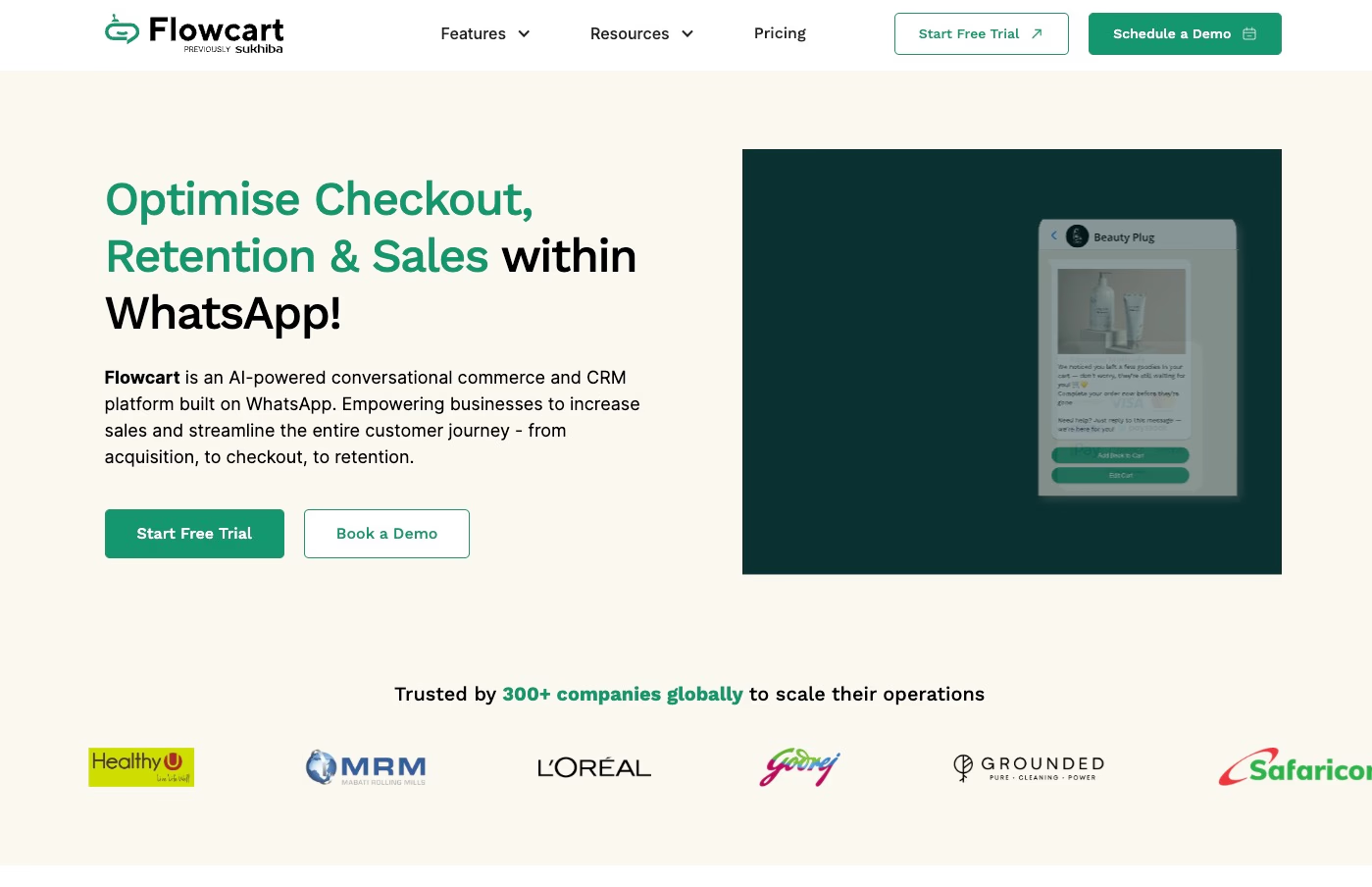
AI-native commerce, end to end on WhatsApp
Flowcart, formerly Sukhiba, transforms WhatsApp into a complete commerce channel.
Launched in Kenya in 2021 and rebranded in July 2026, the platform keeps acquisition, guided shopping, checkout, and loyalty within a single WhatsApp thread.
Unified shopping without distractions
Flowcart offers in-chat checkout, achieving reported conversion rates up to 40%. It removes redirects that disrupt purchase momentum. The platform combines:
- Automated product discovery
- AI-powered bots for answering questions and handling escalations
- Real-time abandoned-cart reminders
This lets shoppers move smoothly from first click to purchase and follow-up, all within one conversation.
Commerce engineered for emerging markets
Built for mobile-first markets like Kenya, South Africa, Nigeria, India, and the UAE, Flowcart integrates CRM, ERP, and e-commerce systems such as Shopify and WooCommerce directly into WhatsApp.
Non-technical teams can create and manage prompt-based campaigns without coding, using natural language commands to launch and adjust offers easily.
For enterprises first
Flowcart targets companies that treat WhatsApp as a revenue channel. Its customer base includes over 300 brands, such as Safaricom-Masoko, L'Oréal, and major supermarket chains. Clients report significantly higher revenue on WhatsApp than through traditional channels.
Pricing and market positioning
Flowcart offers custom, demo-driven pricing tailored to enterprise needs and message volume. This pricing model supports scalable, commerce-focused deployments.
Feature and pricing comparison matrix
This matrix compares features and pricing of leading WhatsApp automation tools, focusing on practical trade-offs for marketers, support teams, and growing businesses.
| Product | Core strength and focus | Free plan | Paid plan(s) | Visual (no-code) builder | WhatsApp integration | Advanced logic/AI | CRM/segmentation | Team collaboration | Analytics/reporting | API & integrations | Multi-channel support | Price notes/typical use case |
|---|---|---|---|---|---|---|---|---|---|---|---|---|
| Typebot | Customizable visual chatbot builder for intelligent forms, journeys and embedded bots | Yes (200 chats/mo) | $39/mo (2 seats, 2k chats); $89/mo (5 seats, 10k chats) | Yes, drag and drop | Native, multi-platform | Advanced branching, computation, OpenAI/Anthropic | Variables, hidden fields, conditional logic | Team sharing, public links | Flow metrics and drop-off analysis | Google Sheets, Zapier, webhooks, API | Web, WhatsApp, embed, popup, Wordpress, Shopify, Wix, Notion | SMBs, growth teams, no-code and developer flexibility |
| Chatbase | AI knowledge-base chatbot using RAG models | Yes (100 msgs/mo) | $19–$40/mo (2 bots, ~2k msgs); up to $399/mo | Yes, simple Q&A flows | Yes | LLM-powered answers (no branching) | No dedicated CRM | Limited collaboration | Chat logs and confidence score | Basic; extended via Zapier/Slack | Web, WhatsApp, Slack, Zendesk | Fast AI Q&A/FAQ deployment, not for complex flows |
| Landbot | No-code visual builder with rich logic, marketing and support | Yes (100 chats/mo; limited) | Paid tiers; WhatsApp may cost more | Yes, block-based drag and drop | Multi-channel | Logic and basic AI assistants | Auto segmentation fields | Live chat and mobile | Multi-bot metrics | HubSpot, Salesforce, API, Zapier, Airtable | Web, WhatsApp, Messenger, API | E-commerce, lead generation, support routines; paid plans scale |
| Manychat | Multi-channel chat marketing and automation | Yes (1,000 contacts) | Pro from ~$15/mo; Enterprise custom | Yes, visual builder | Native (IG, FB, WhatsApp) | AI assistants; brand context up to 250k chars | Tags, lists, lead scoring | Team inbox, live chat | Segmentation statistics | Shopify, Mailchimp, Sheets, Zapier | WhatsApp, IG, FB, SMS, Telegram, TikTok | Social-driven lead gen and e-commerce automations |
| Botpress | Developer-focused platform with advanced AI agents | Yes (1 bot, 500 msgs/mo) | Pay-as-you-go; live chat $89+/mo | Yes, visual and code | 10+ channels including WhatsApp | Advanced intents, vision, translation, summaries | No built-in CRM | Collaboration on paid tiers | Basic on free plan; advanced on paid | Zapier, Zendesk, API, extensible | Web, WhatsApp, Slack, Telegram, Instagram | Custom support bots, enterprise security, developer-centric |
| Brevo | CRM and multi-channel marketing with WhatsApp as a channel | Yes (free tier, basic) | Starts ~$20–60/mo; scales on usage | Campaign journey builder (not full conversation flows) | Certified BSP, drag and drop builder | AI for campaigns, summaries, optimization | Full CRM, segmentation | Unlimited agents | Rich analytics and CDP | WooCommerce/Shopify, CRM/e-commerce APIs | WhatsApp, email, SMS, push, Facebook ads, webchat | E-commerce, agencies, cross-channel orchestration |
| Wati.io | All-in-one WhatsApp automation with multi-agent inbox | No | $49–$64/mo; 7-day trial | Yes, visual flow builder | Official WhatsApp API | AI for knowledge base, FAQ, and conditions | Tags, lead tracking | Team inbox, agent assignment | Dashboards, campaign statistics | HubSpot, Zoho, Shopify, WooCommerce, API | WhatsApp, Instagram, Facebook, SMS | SMB support and marketing, multi-agent WhatsApp operations |
| Omnichat | Omnichannel retail with OMO sales, APAC focus | No (contact for pricing) | Custom; enterprise/midmarket | Yes, no-code AI builder | Official WhatsApp BSP | LLM/NLP-based Omni AI Agent Studio | Unified profiles, 360° CRM | Multi-agent, routing and assignment | Marketing and revenue analytics | Salesforce, Shopify, API | WhatsApp, Messenger, LINE, Instagram, WeChat, website | Asia retail and e-commerce, in-store and online integration |
| WANotifier | Bulk WhatsApp marketing, automations, conversational forms | No | SaaS subscription (price not public) | Yes, trigger and template flows | Official API | Keyword triggers, drips, bot sessions | Tags, contact views | Shared inbox, assignment | Delivery, open reports, template metrics | Integrates with 1,000+ tools | WhatsApp primary; web | High-volume notifications, e-commerce updates, promotions |
| Flowcart | AI-native WhatsApp commerce with in-chat checkout and retention | No | Custom/demo; enterprise focus | Yes, prompt-based no-code | Full WhatsApp channel with in-chat checkout | AI for product discovery, cart recovery, negotiation | Integrates with Shopify, ERP, CRM | Unified dashboard for brands | Commerce and revenue analytics | ERP, CRM, Shopify, WooCommerce, API | WhatsApp focused | D2C, e-commerce, retail chains, mobile-first markets |
| Key takeaways |
- Typebot offers a flexible visual builder with developer hooks for custom conversational logic and data capture.
- Chatbase provides the fastest way to build a content-grounded AI FAQ or lead-capture bot but lacks branching flow capabilities.
- Landbot delivers strong no-code flow control and templates; however, WhatsApp usage may cost more.
- Manychat offers a unified dashboard for social-first marketing and e-commerce automation across many channels.
- Botpress suits technically skilled teams needing deep AI capabilities and extensibility.
- Brevo combines a full CRM and marketing stack with WhatsApp as a native channel for coordinated campaigns.
- Wati.io and WANotifier focus on scaling WhatsApp operations with multi-agent inboxes, broadcasts, and compliance.
- Omnichat and Flowcart cater to retail and commerce at scale, with Omnichat focusing on APAC OMO workflows and Flowcart on in-chat commerce.
Match these attributes to your priorities, such as visual UX and ease of setup, conversational AI and branching logic, CRM depth and segmentation, pricing model, and required integrations. Use this table to compare the features that suit your campaigns and support workflows.
How to choose the right WhatsApp automation tool for your business
Best for e-commerce and retail
If your main goals are launching product drops, recovering abandoned carts, and scaling promotions without custom coding, use an all-in-one marketing suite like Brevo. These platforms combine campaign builders, triggered e-commerce flows such as order confirmations and COD checks, and list management on WhatsApp.
They offer:
- Quick setup connected to Shopify or WooCommerce.
- Triggered journeys based on purchases, site activity, or CRM events.
- Rich-media broadcasts and personalized templates for promotions and lifecycle messages.
Starter pricing usually ranges from $20 to $60 per month, excluding Meta’s messaging fees. Choose these suites when you want professional WhatsApp marketing running in days instead of weeks.
Best for customer support automation
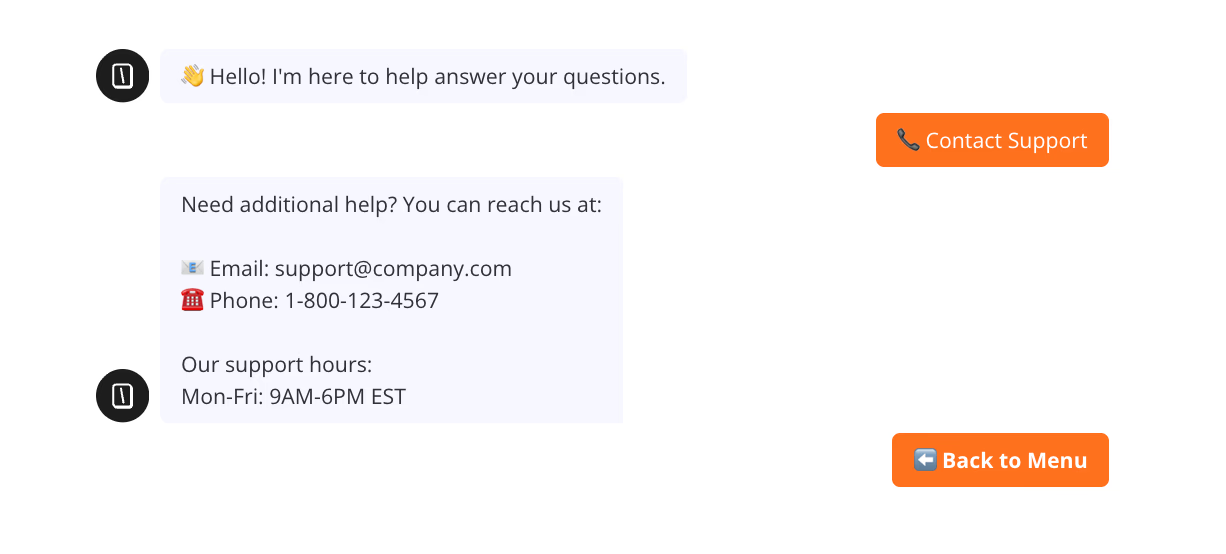
If you need 24/7 first-line support for FAQs, order tracking, rescheduling, or simple returns, select a chatbot-first platform such as Manychat, Typebot, or Botpress. These tools use visual scripting combined with AI so non-developers can build branching flows, while allowing handoff to human agents.
Key features to consider:
- No-code flow builders with conditional logic.
- Free-text AI that retrieves answers from knowledge bases.
- Team inboxes and guided agent handoffs with conversation context.
For example, Typebot mixes drag-and-drop flow design with hidden fields and webhooks for deep integration. These platforms reduce support workload while maintaining quality. Entry-level pricing starts with free tiers and scales up to $40–$89 per month.
Best for lead generation and sales
For list-building, qualifying leads, and routing prospects to sales, pick platforms combining broadcasting, scoring, and segmentation. All-in-one suites like Brevo and Wati, alongside social-first builders like Manychat, excel in this area.
They enable you to:
- Trigger WhatsApp sequences directly from ads or web forms.
- Segment contacts by tags and behavior for targeted broadcasts.
- Automate qualification flows and transfer high-potential leads with full chat history into your CRM or to sales agents.
Pricing increases with contact lists and message volume. Start small and upgrade as campaigns grow.
Best for developers and API-first teams
If you want to embed WhatsApp into a product, send high-volume transactional notifications, or build custom logic, choose BSP/API-first solutions. Botpress and BSP modules from providers like Brevo offer raw Business API access, webhooks, and REST endpoints for full control.
Expect:
- Direct template management, webhook-driven workflows, and detailed delivery control.
- A steeper setup process including verification and template approvals.
- Pay-as-you-go or volume-based pricing based on messages and support.
This option suits workflows needing bespoke transactional alerts, proactive messaging, or deep analytics integrated with your backend. It requires upfront engineering but gives full customization.
Is WhatsApp automation legal? Compliance and best practices
Meta's WhatsApp business policies
WhatsApp automation must follow Meta’s Business Platform rules strictly. Any business-initiated message sent outside an open service session requires an approved template. Meta reviews these templates and categorizes them as marketing, utility (such as order updates or shipping), or authentication (like OTPs).
Sending bulk or unsolicited messages to people who haven't consented risks warnings, throttling, or permanent account suspension. Many vendors offer template management features and approval workflows to help you stay compliant with these rules.
GDPR and opt-in requirements
If your business operates in or markets to the EU, you must comply with GDPR’s strict consent and data-handling rules. Before messaging, you need to collect a phone number with clear, demonstrable consent for marketing or transactional purposes.
Most platforms use double opt-in methods—for example, a “Start conversation” button that confirms permission or an in-store QR code capturing consent. They also record approval to support audits. Choose tools that log opt-ins and store consent metadata to prove compliance when needed.
Common mistakes that lead to account bans
High-risk practices to avoid include:
- Messaging users who haven't explicitly opted in
- Repeatedly contacting inactive or unresponsive numbers, which raises spam flags
- Overusing promotional templates that generate complaints
- Manipulating consent mechanisms, such as pre-checked boxes or buried opt-ins
- Failing to include a clear, simple opt-out option in marketing messages
Meta monitors sender quality and applies penalties. Use platforms with built-in compliance controls such as pre-approved template workflows, opt-in audit trails, and unsubscribe handling. Treat WhatsApp as a permission-based channel for timely, helpful messages like order updates, onboarding, or support—not cold outreach.
Ready to Automate Your WhatsApp?
The right tool transforms customer communication. E-commerce teams recover carts automatically. Support teams answer questions 24/7. Sales teams qualify leads instantly.
Your choice depends on three factors: use case (e-commerce, support, or sales), technical resources (visual builders vs. API control), and budget (most offer free trials).
Start with one high-impact workflow. Test it. Measure results. Scale from there. Your customers are already on WhatsApp. Meet them there with automation that delivers real value.
Eliminate the need for developers—build your bot in minutes.
No trial. Generous free plan.